Jewellery for Video Calls: What Works on Camera and What Does Not
The short answer
Wear medium studs (6-10 mm) and a pendant on a short chain (40-45 cm). Avoid anything that jingles, catches blinding light, or hangs below the frame. Matte finishes beat polished mirrors. Test on camera before the call, not during.
Now here is why, and what else you should know.
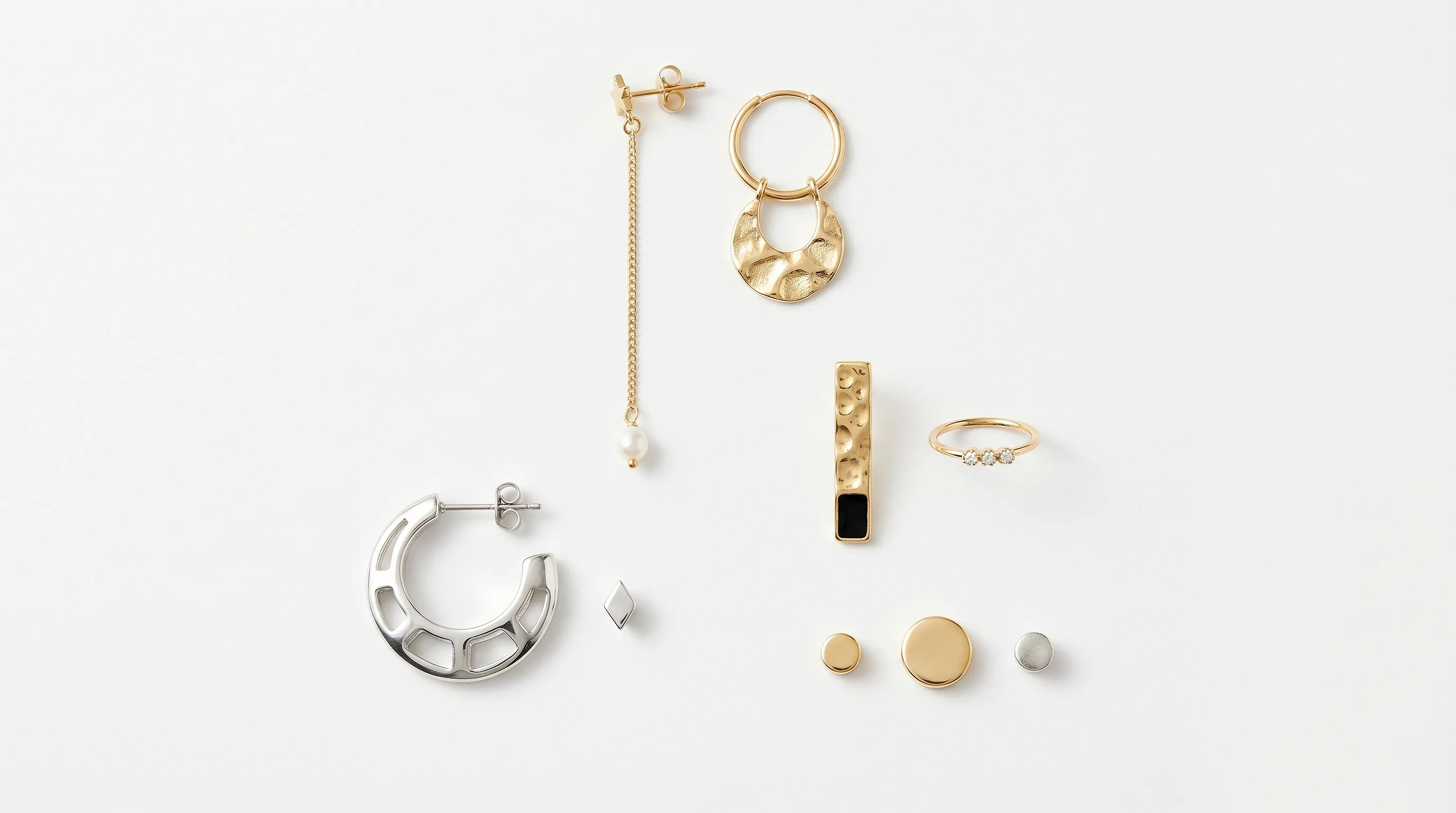
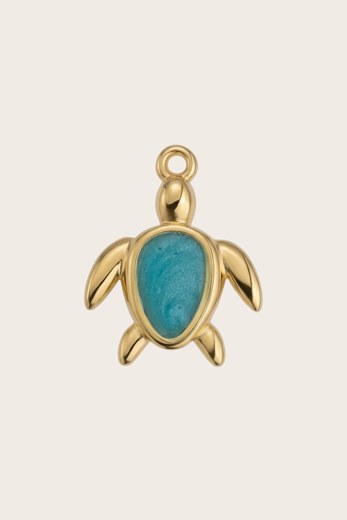
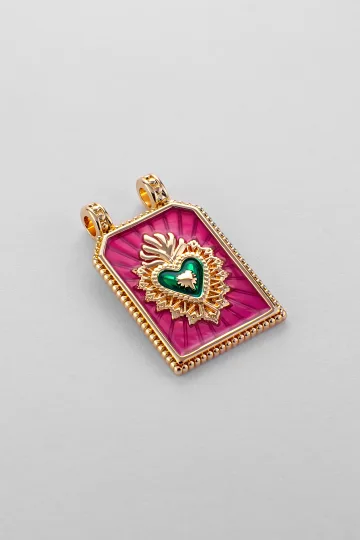
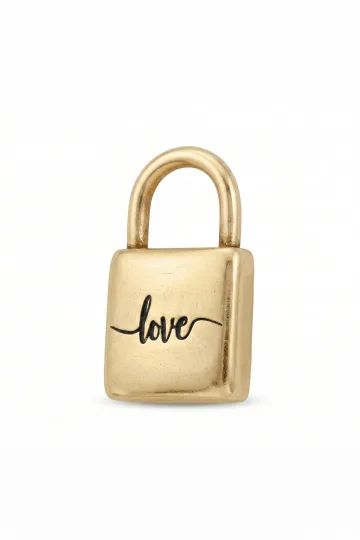
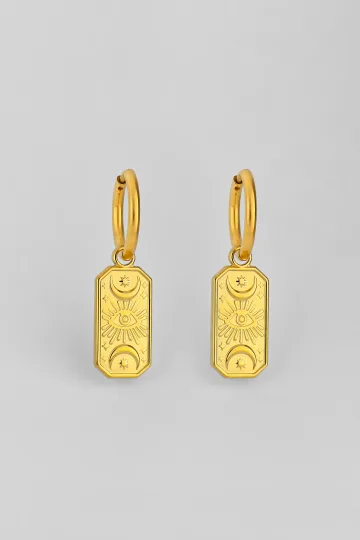
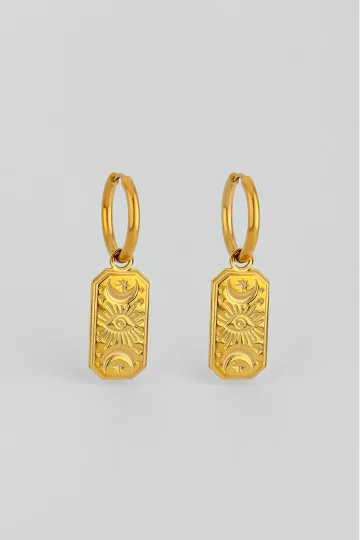
Wear the symbol, don't just read about it. These are in stock:


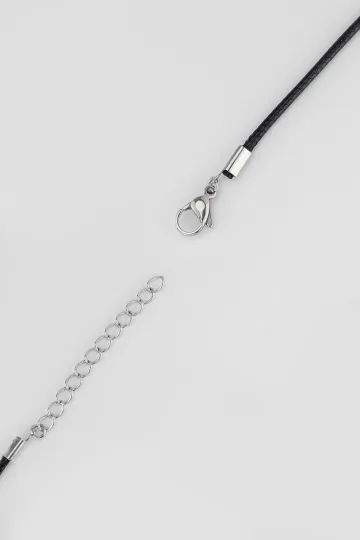
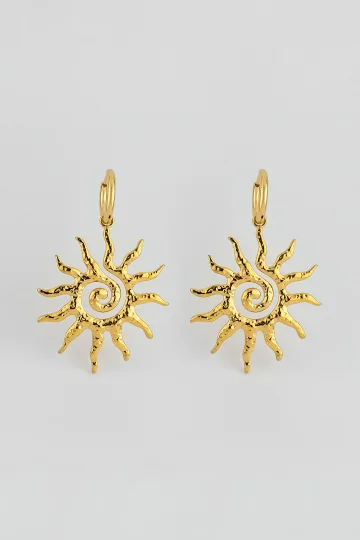
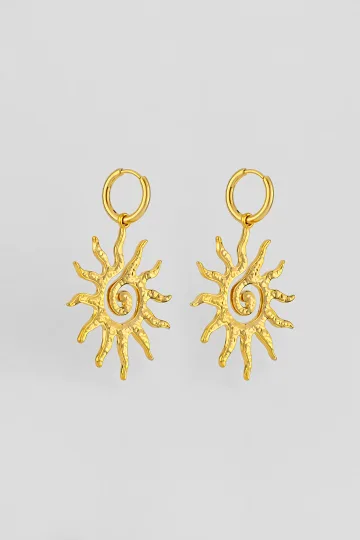

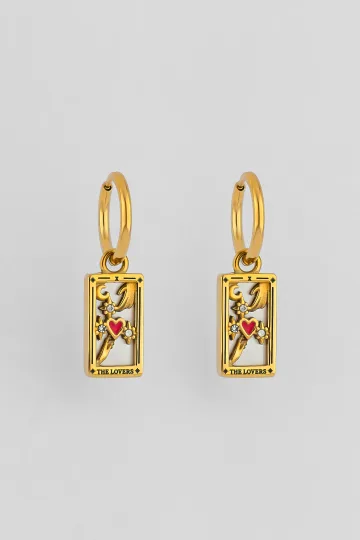

What the camera does to jewellery
Kills detail
A webcam runs at 720p or 1080p. That is roughly 2 megapixels. Your phone camera has 12-50 megapixels. On a video call, fine details disappear. Delicate engravings on a pendant, small stones in earrings, the texture of chain links all become a blurred smudge.
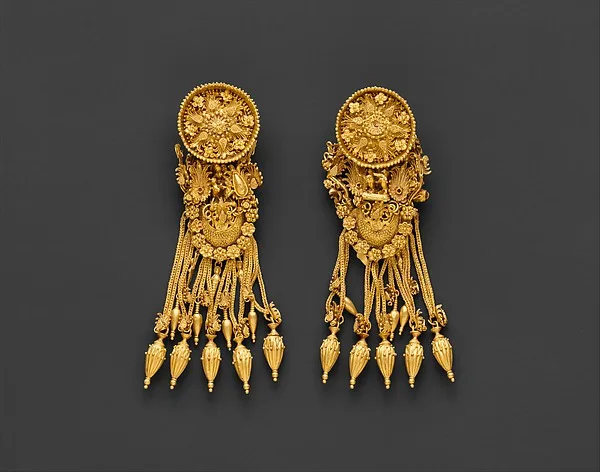
What survives: clean shapes, contrasting silhouettes, readable symbols. A circle reads clearly. A star reads clearly. A tiny floral pattern does not.
The pixel test. On a 1080p call, your face occupies about 500 pixels of height. A 1 cm earring gets roughly 35 pixels on the viewer's screen. Thirty-five pixels is a square about 6x6. No details are visible. Only the outline and the colour.
On 720p (still common on older laptops and slower connections), that same earring drops to about 20 pixels. A 4x5 square. At that point, only the existence of the earring is visible, not what it looks like.
Practical conclusion: design for silhouette, not detail. If your jewellery's beauty depends on intricate work that requires close inspection, the camera will waste it.
Amplifies glare
A flash of light that is subtle in person can be distracting on camera. The reason: automatic exposure. The camera adjusts brightness for the average of the frame. When a shiny element catches light, the camera cannot simultaneously show your face and a bright point. Result: a flash that pulls the viewer's eye away from your words.
Matte and satin finishes work better than polished mirrors. They reflect light softly, without creating point-source flashes that hijack the frame.
Shifts colour
Webcam white balance frequently lies. Gold can appear yellower than in reality. Silver can look grey. Rose gold can merge with skin. This depends on lighting and camera settings, and you cannot always control it.
The pre-call check. Open your camera app. Look at yourself. See how your jewellery looks on screen. If something appears wrong: change it. This takes 10 seconds and saves an hour of distraction.
Frame rate and motion blur
Most video calls run at 30 frames per second. When you turn your head, long earrings create "motion blur." They literally smear across the screen. Short earrings or studs do not blur because they move with the face, not independently of it.
If you wear long earrings on a video call, move your head slowly. Seriously: slow, deliberate head movements are good advice for video calls in general, and for jewellery they are especially important.
Autofocus hunting
Cheaper webcams use contrast-based autofocus that "hunts" for sharpness. A reflective jewellery element can confuse the autofocus: the camera sees the bright point, tries to focus on it, loses focus on the face. Result: your face goes blurry for a moment every time the earring catches light.
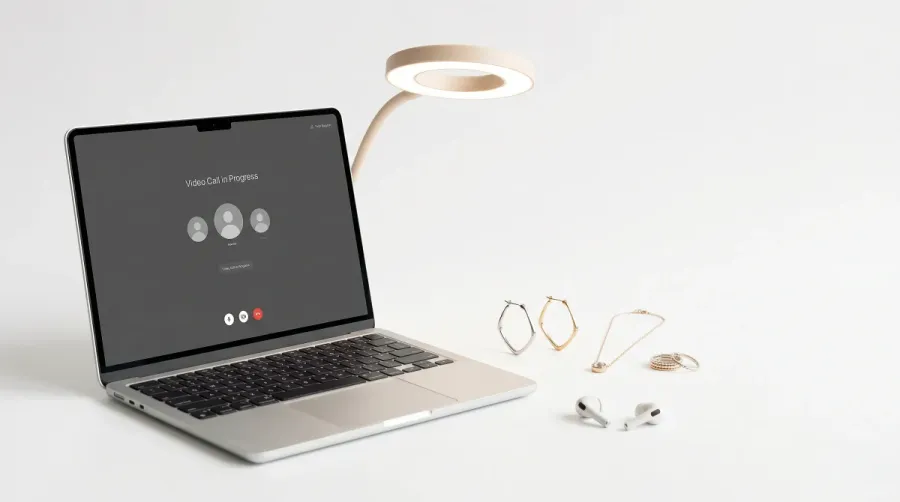
Solution: matte finishes, or position your light source so it does not create specular highlights on metal surfaces. A ring light in front of you distributes light evenly and eliminates most glare issues.
The camera crops you at the collar. Earrings run the show; a heavy necklace just drowns below the frame. Leave the chandeliers at the door.
How to wear jewellery on a video call
Dozens of on-camera looks have passed through my hands, from tense negotiations to shoots for social feeds. Here is what actually reads on screen instead of sinking below the bottom edge.
What works for a formal business call? For serious negotiations I recommend small stud earrings and a matte metal. Shine catches glare from your lamp and pulls the camera's focus, while a smooth matte surface keeps your face sharp. A pendant hides under a buttoned collar anyway, so I suggest letting the ears carry the look.
And when the neckline is open? For a V-neck or an unbuttoned shirt I choose a pendant at 40-45 cm: it sits right in the triangle of the neckline, and the fabric frames it. This is the strongest position for camera. I suggest one pendant with no layers, or the chains tangle on screen and read as fuss.
Which metal for the colour I'm wearing? Against navy or black I recommend silver: cool metal on cool fabric reads cleanly. Against white I suggest warm gold, since silver blends in and disappears. If the top is bright or patterned, I keep earrings only; anything at the neck is one thing too many.
What about streams and content shoots? For camera and streaming I choose drop earrings that move: they catch light as you turn your head and bring the frame to life. Here shine is an ally, provided you have an even ring light in front. For this format I suggest larger shapes, since small pieces get lost against a busy background.
And if the webcam is cheap and everything glares? With a weak webcam I recommend matte surfaces and calm shapes. The autofocus locks onto a bright point and drops your face out of focus for a second, so gloss and hard facets are the enemy here. I keep the light in front and even, and then even a basic camera delivers a clean picture.
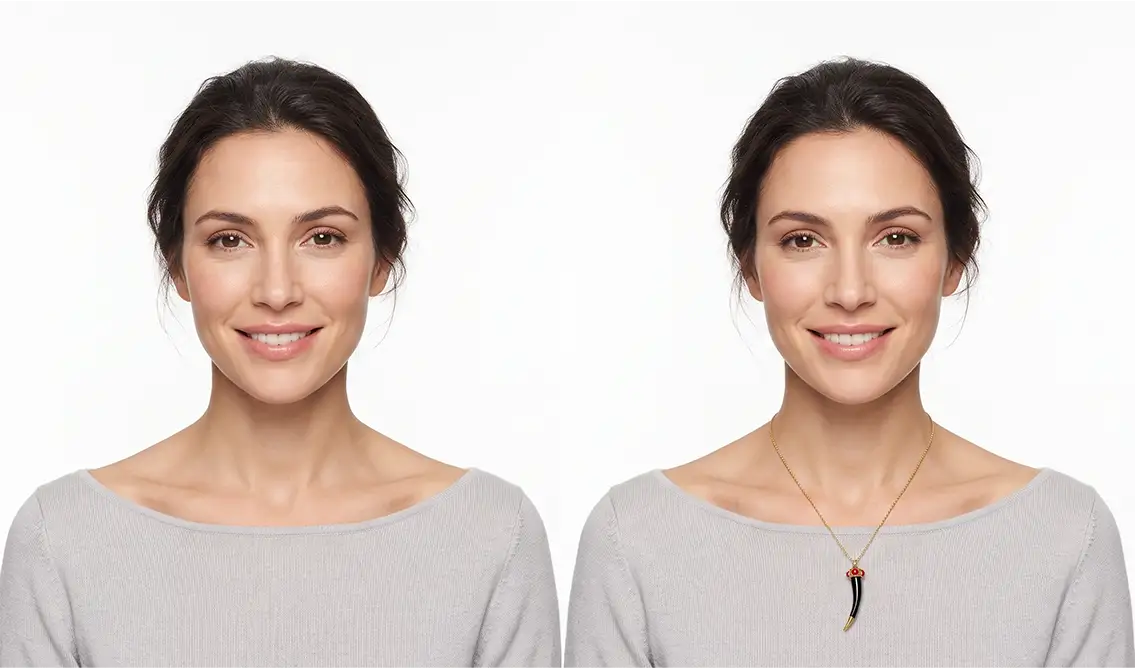
Turn on your camera, pick earrings, a pendant or a ring, and see the piece on yourself in real time.
Switch items in one tap.
Everything runs in your browser: no photo or video is ever uploaded.
Earrings: the number one video call accessory
Earrings are the only piece of jewellery that is always in frame during a video call. A pendant might be cropped by the bottom of the screen. Rings and bracelets are visible only when you gesture. But earrings sit next to your face, in every frame, for the entire call.
What works
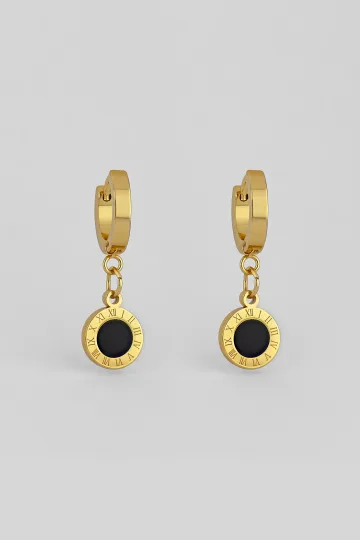
Medium studs (6-10 mm). Visible on camera, do not swing, do not create flashes. A round shape reads even on a poor camera. A matte stud with a subtle stone or a simple metal disc: ideal.
Short drops (up to 3 cm below the lobe). Add movement, draw attention, but do not distract. The camera catches the earring's movement when you tilt your head, creating a dynamism that makes your face look livelier on screen.
Geometric shapes. Circle, triangle, square: clean forms that read even at low resolution. Abstract shapes with smooth outlines. Nothing fussy.
What does not work
Very small studs (1-3 mm). Invisible on camera. You are wearing them, but for the viewer they do not exist. Pointless for the visual impact.
Long chandeliers. Swing with every movement, create visual noise, distract from speech. The viewer watches the dangling earrings instead of your face. If your goal is to be remembered for your earrings rather than your ideas, mission accomplished.
Ear cuffs. Too small for the camera to resolve. The viewer sees an unclear mark on the side of your ear. Looks more like a smudge than jewellery.
High-shine earrings. Large polished metal discs, crystal drops, large CZ stones. Every head turn creates a flash across half the screen. Your colleagues will remember the flash, not your quarterly report.
Necklaces and pendants
Getting into frame
A standard video call frame crops you at roughly chest level. A pendant on a 42-48 cm chain is usually in frame. On a 50-60 cm chain, it may be cropped. Check before the call.
Best length for video calls: 40-45 cm (choker or short princess). The pendant sits at the collarbone or just below, always visible.
What works
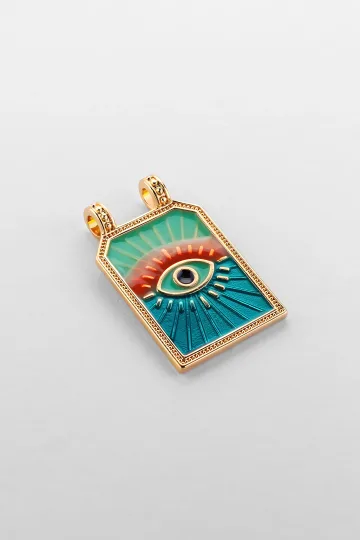
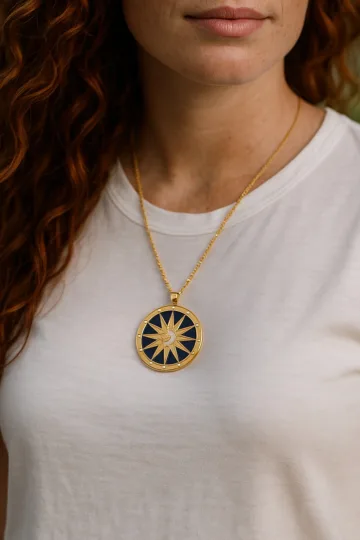
Pendant 15-25 mm on a fine chain. Readable size, does not dominate, adds an accent to the neckline. A symbolic pendant (star, eye, geometric shape) reads better on camera than something abstract.
Choker. Always in frame, visually frames the neck. Works with open necklines.
What does not work
Long pendants. Below the frame line. The viewer sees a chain going nowhere.
Layered chains. Beautiful in person. On a 720p camera, an indistinguishable mass of metal lines.
Very thin chains without a pendant. Invisible. The camera does not catch them.
Rings and bracelets
Visible on a video call only when you gesture. If you move your hands actively (presentation, storytelling), rings and bracelets flash through the frame and add energy. If you sit with folded hands, they are invisible.
What works. One noticeable ring (bold, with a stone, with a symbol). It flashes during a gesture and is remembered.
What does not work. A stack of five thin rings: on camera, it becomes a vague stripe on the finger. A jingling charm bracelet means the microphone catches the clink, and colleagues hear tinkling with every gesture.
The audio problem. This deserves emphasis. Laptop microphones are sensitive. They pick up every sound. A charm bracelet clinking against a desk. A bangle hitting a keyboard. A ring tapping a coffee mug. All of it is transmitted to every person on the call. The visual impact of jewellery is optional. The audio impact is not: it is involuntary.
Customer reviews
Zevira is a real jewellery shop. Genuine payments, deliveries and customer thank-yous.
🥰🥰🥰 gracias
Ok, ¡gracias! 🙂
Lighting and jewellery
Lighting is half the battle for jewellery on camera.
Front light (window in front of you, ring light). Best option. Evenly illuminates face and jewellery. No harsh shadows, no point flashes. Metal glows softly.
Side light (window to one side). Creates dramatic face lighting (good for photos), but jewellery on one side is lit, the other side is in shadow. Earrings will look different: one bright, one dark.
Overhead light (ceiling lamp). Worst option for jewellery. Creates shadows under the chin, and the pendant falls into shadow. Earrings are lit from above, and the lower part of drops is invisible.
The ring light solution. A ring light costing the equivalent of a few restaurant meals solves all lighting problems for video calls. For anyone doing more than five video calls per week, it is an investment that pays for itself in professionalism. Not just for jewellery: for everything.
Upload a photo of your pet, someone you love, or an object. We'll build a 3D model and hand-cast it in pewter.



Camera specifications and what they do to jewellery
Everything above happens because of the equipment. Four specifications decide almost all of it, and knowing them explains why the same pendant looks sharp on one call and like a smudge on the next.
Resolution: 720p and 1080p are different worlds
A 720p webcam gives you roughly 1280 by 720 pixels for the whole frame. Once the call software has cropped and scaled that to a tile alongside other participants, your entire face may occupy a few hundred pixels across, and a 6 mm stud is rendered in something like three of them. At that size an engraved pattern is not simplified, it is gone, replaced by a single grey dot.
At 1080p you have roughly twice the linear detail, and the difference is visible exactly where jewellery lives. A textured hoop reads as textured. A pendant with a recognisable outline stays recognisable. This is why the standard advice, choose shape over detail, is really advice about resolution: shape survives downscaling and surface detail does not.
Most laptop webcams built before about 2020 are 720p. Most external webcams and all recent phones are 1080p or better. If you are on calls daily and care what your jewellery looks like, the camera is a bigger upgrade than the jewellery.
Compression and bandwidth
Resolution is the ceiling; compression is what actually reaches the other end. Call software throws away data aggressively when bandwidth drops, and the first thing it discards is fine high-contrast detail in small moving areas, which is a precise description of a pair of earrings on a person who is talking.
The practical consequence: on a poor connection your jewellery degrades before your face does. Large, simple, high-contrast pieces survive compression. Delicate filigree turns into noise. If you regularly work from a train, a hotel or a rural connection, choose accordingly.
Sensor size and low light
Webcam sensors are tiny, and in dim conditions they compensate by raising gain, which adds grain, and by lengthening exposure, which adds blur. Both destroy jewellery detail. A polished surface in low light also behaves badly, because the sensor is straining for light and a single specular highlight blows out into a white blob.
Matte finishes are the low-light answer. So is more light, which is cheaper than a new camera.
Webcam or phone
A modern phone camera is better than almost any webcam, with a larger sensor, better processing and far better low-light behaviour. Used as a call camera it renders jewellery accurately enough that texture and finish are visible.
The trade-off is angle. A phone propped on a desk usually looks up at you, which is the least flattering angle for both a face and a necklace, since it foreshortens the chest and pushes a pendant out of frame. If you use a phone, get it to eye level.
By situation
Work meeting
Restraint. One pair of earrings (studs or small drops) plus maximum one pendant. The metal should say "I am a professional," not "I am going to a party." More on business dress codes and jewellery in our jewellery dress code guide.
Job interview
Minimalism. Small studs and nothing else. No statements. HR is looking at you, not your earrings. The only metal that should be noticeable is your glasses frames. More in our minimalist jewellery guide.
Client call / presentation
Slightly more than a work meeting. A noticeable pendant plus earrings. You are selling an idea, and visual memorability helps. But no more than two pieces. You want to be remembered for what you said, enhanced by how you looked, not the other way around.
Informal call (friends, family)
Whatever you want. These are your people. They are not evaluating. Large earrings, bold pendant, stacked rings are all acceptable. Be yourself.
Webinar or live stream
Here, jewellery is part of the image. Noticeable earrings, a pendant, maybe a ring visible during gestures. You are performing, and visual accents make you memorable. But avoid anything that makes noise, because the microphone will catch it, and it will be in every viewer's recording.
Podcast (audio only, but sometimes video)
If the podcast is audio-only: remove everything that makes noise. No bangles, no charms, no rings that tap the desk. If the podcast has video: treat it as a webinar.



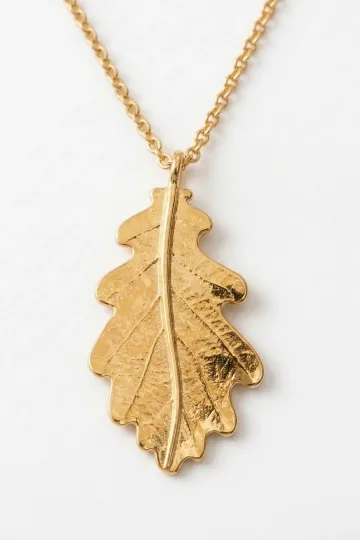
Background colour and jewellery
Your background affects how jewellery is perceived. Most people do not think about this.
White backgrounds
White wall behind you. Silver jewellery blends in. Gold stands out. If your background is white and your jewellery is silver: consider switching to gold tones or adding a coloured element.
A white wall also fools the camera's automatic exposure, which reads all that brightness and darkens the whole frame to compensate. Your face and anything you are wearing go a stop or two down, and silver loses the contrast it needs to register at all. If you are stuck with a white wall, more light on you, rather than on the wall, fixes both problems at once.
Dark backgrounds
Dark wall or bookcase. Silver pops against dark backgrounds. Gold is warm and visible. Both work well.
Dark backgrounds are the most forgiving setting for jewellery generally, because every piece gains separation. The one caution is that automatic exposure now goes the other way and brightens the frame, so a polished piece that behaved on a white wall can flare against a bookcase. Matte finishes stay reliable on both.
Coloured backgrounds
A strong colour behind you shifts the camera's white balance, and jewellery colour goes with it. A warm background pushes silver toward beige; a cool one drains the warmth out of yellow gold and makes it look pale and slightly green. Green walls and plants are the worst offenders, because green casts spill onto skin as well.
If your background has a dominant colour, choose metal against it rather than with it. Gold against blue and green, silver against warm reds and browns.
Virtual and blurred backgrounds
Virtual background. Tricky. Virtual backgrounds have edge detection that can clip small jewellery elements, especially thin chains and small pendants. A pendant may flicker or disappear at the edges of the virtual background's mask. Studs are usually fine (they sit flush against the body).
Blurred background. Generally safe. The blur algorithm does not affect foreground objects like jewellery. Better than virtual backgrounds for jewellery visibility.
Jewellery by profession on camera
Lawyers and consultants
Authority without flash. A single pair of classic studs. Maybe a thin signet ring. Nothing that undermines credibility. The dress code is "I bill by the hour, and my time is worth it."
Teachers and educators
Warmth and approachability. Small symbolic pendants work well, because they give students something to recognise you by. "The teacher with the star necklace" is a better identifier than "the teacher in room 4B." Medium drops for earrings. Nothing noisy.
Sales and business development
Memorability. You want the prospect to remember you. One distinctive piece: a pendant with an interesting symbol, earrings with a recognisable shape. Not flashy, but distinct. "The person with the eye pendant" sticks in memory.
Therapists and counsellors
Calm, grounding, non-distracting. Small studs or a barely visible pendant. Nothing that competes with the client's focus. The jewellery should say "I am present and attentive," not "look at me."
Doctors and healthcare workers
Practical constraints: no dangling earrings that could catch on equipment. No rings with raised settings that could tear gloves. For video consultations (telehealth), small studs and a simple pendant are appropriate. Clean, clinical, trustworthy.
Content creators and streamers
Maximum visual impact. Jewellery is part of the brand. Consistent pieces across videos build recognition. Many successful creators wear the same pendant or earrings in every video, and it becomes a visual signature. Choose pieces that look good at 1080p, do not cause audio issues, and match your lighting setup.
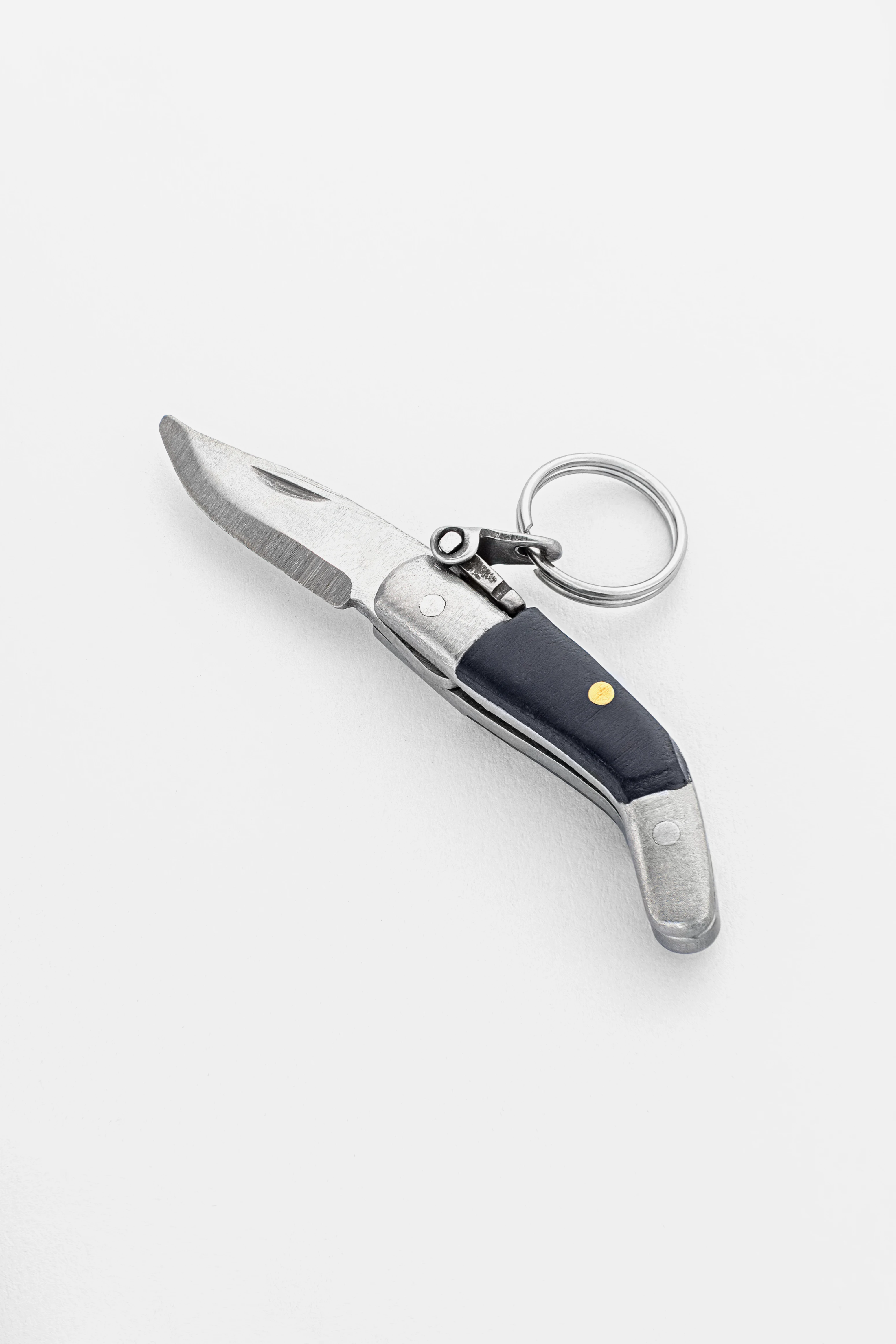
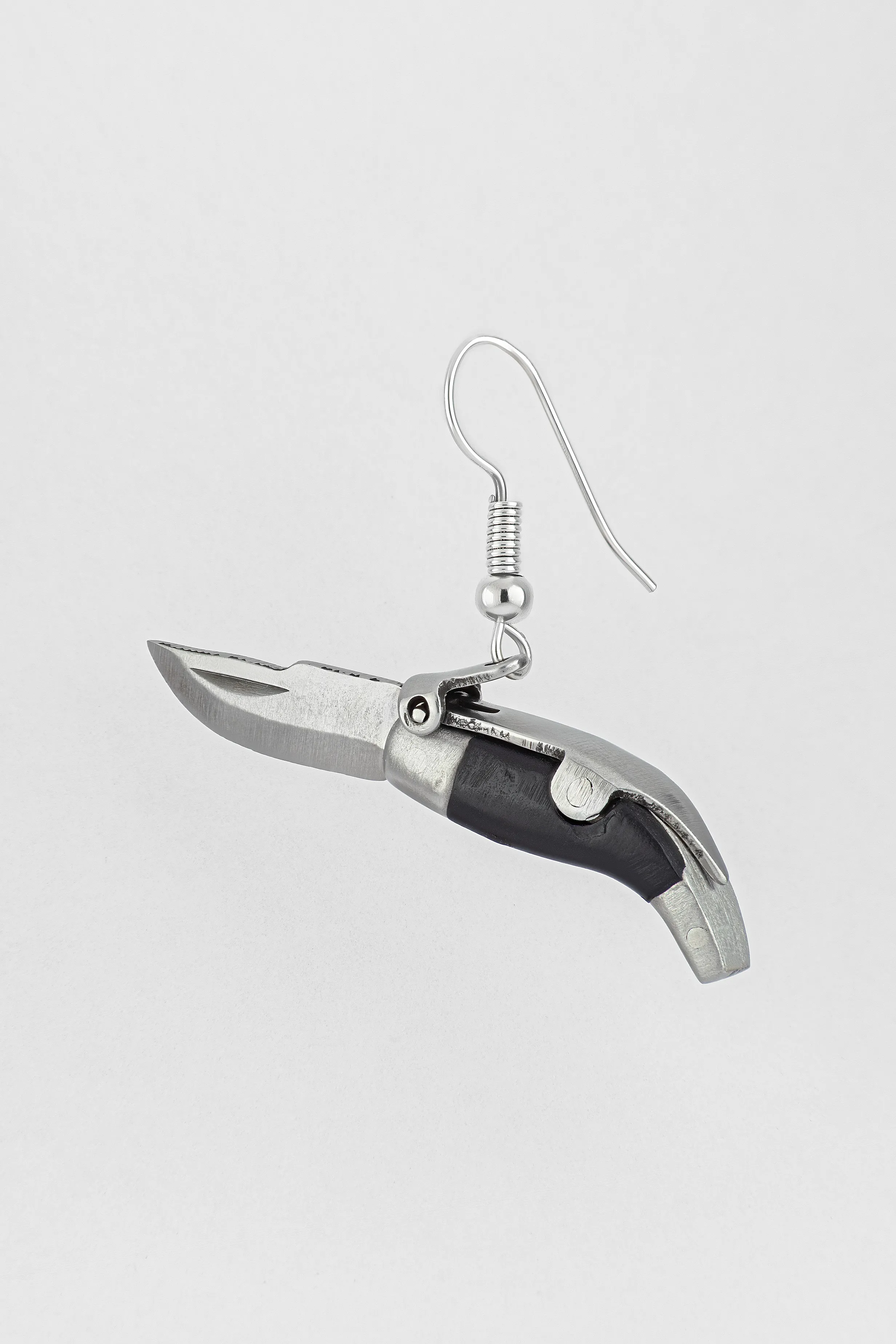
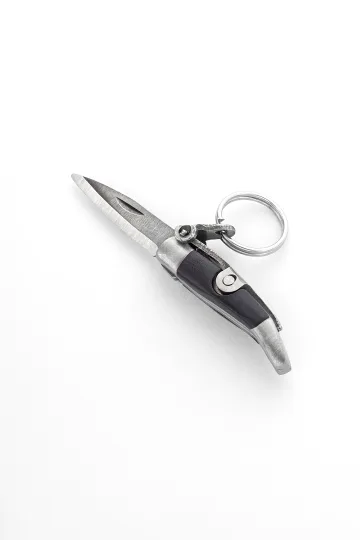
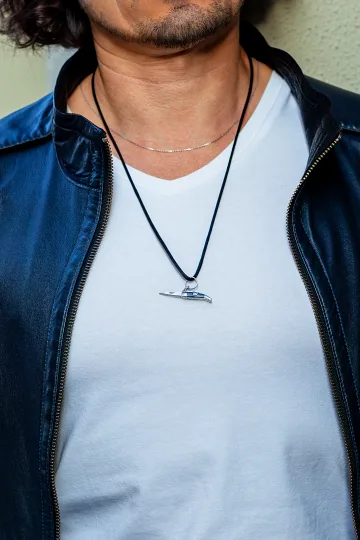
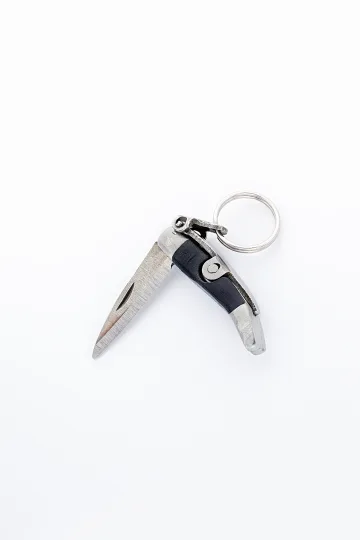
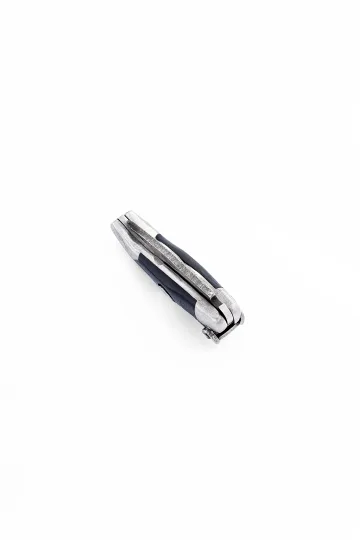
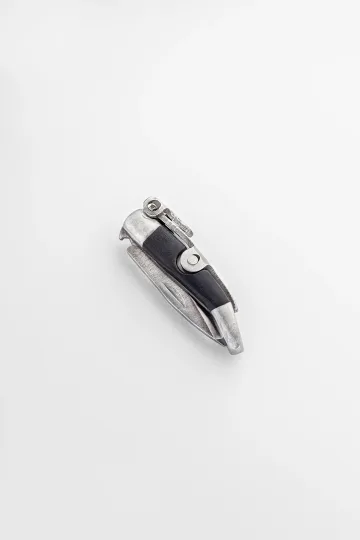
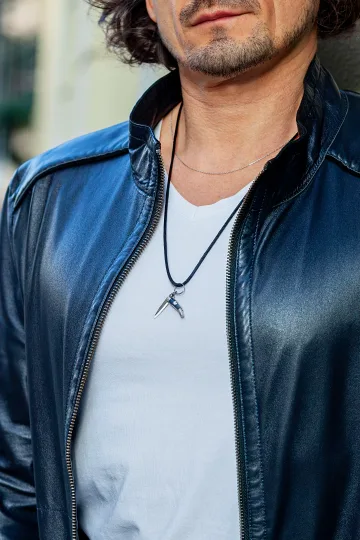
CAPAORA mini knife pendant
The 18th-century Spanish navaja in miniature: 40 mm of stainless steel, a real folding mechanism and a Palanquilla lock that clicks. An affordable gift to remember.
Authentic · Ships from Spain · 14-day returns
Jewellery and different video platforms
Zoom
Zoom's default camera settings tend toward cooler colour temperatures. Silver jewellery looks good. Gold can appear slightly warm/yellow. Zoom's "touch up my appearance" filter slightly smooths skin but does not affect jewellery. Zoom's virtual backgrounds have average edge detection, so thin chains may flicker at the boundary.
Microsoft Teams
Teams tends to run at lower quality than Zoom on weaker connections. It drops to 720p more aggressively. On Teams, only the boldest jewellery shapes survive. Studs over drops. Large pendants over small ones. Teams' "background blur" works better than Zoom's for jewellery, with less flickering at edges.
Google Meet
Meet's lighting adjustment is more aggressive than Zoom or Teams. It boosts shadows and reduces highlights automatically. This can flatten the appearance of jewellery, so pieces that look dimensional in person may look flat on Meet. Textured or brushed finishes show better than polished on Meet because the algorithm does not flatten texture as much as reflections.
FaceTime
Apple's camera processing adds warmth and smooths skin. Gold jewellery looks particularly good on FaceTime. The camera quality on MacBooks and iPhones is generally higher than average webcams, so more detail is visible. If you video call on an iPhone, you can get away with more intricate jewellery than on a laptop webcam.
Sound: what the microphone hears
Jewellery on a video call is a visual question right up to the moment it becomes an audio one, and audio problems are far more irritating to the other participants than anything on screen.
The microphone hears everything
Laptop and webcam microphones are omnidirectional and sit close to the desk, which means they pick up the surface as much as the speaker. A bracelet stack resting on a desk while you type produces a steady clicking that is louder to the listener than it is to you. A long pendant that swings against a shirt button generates a soft tapping that noise suppression reads as speech and lets through.
The pieces that cause trouble are predictable: bangles and stacked bracelets, charm bracelets, long chains with a heavy pendant, rings worn on the hand you gesture with if you also touch the desk, and anything with a moving element such as a spinner ring or a locket.
The pieces that never cause trouble: studs, a snug pendant on a short chain, a single ring, cuff bracelets that do not slide.
The sound test
Record thirty seconds on your own machine before an important call, using the same microphone you will actually use. Talk normally, gesture normally, type a sentence, and lean on the desk once. Play it back with headphones on, at a normal volume.
Headphones matter for this test. Laptop speakers will not reproduce the frequencies where jewellery noise lives, and the whole point is to hear what the other side hears.
Headphones and jewellery together
If you use a headset with a boom microphone, the mic is near your mouth and far from your hands, and desk noise largely disappears. That is the single easiest fix for anyone who wears bracelets and does not want to take them off.
Noise suppression in call software helps with steady sounds and struggles with sharp intermittent ones, which is exactly the profile of metal on wood. Do not rely on it. Moving your hands off the desk works better than any algorithm.
Leave your email, we'll send your discount code. No spam, unsubscribe anytime.
The code arrives by email, valid on your first order.
Jewellery and earbuds/headphones
This deserves its own section because nearly everyone uses audio accessories on video calls.
AirPods / wireless earbuds. The stem of an AirPod extends below the ear. Drop earrings can catch on the stem. Studs sit above the earbud and do not interfere. Small hoops may conflict depending on hoop size and earbud angle. If you wear AirPods daily, studs are the only reliable earring choice.
Over-ear headphones. The headphone cup presses against any earring. Studs get pushed into the earlobe (uncomfortable after 30 minutes). Drops get trapped between the cup and the ear (painful). Hoops get bent. If you use over-ear headphones regularly, consider removing earrings during calls or switching to earbuds.
The AirPods Max problem. Over-ear but wireless. Beautiful but brutal to earrings. The mesh earcup catches on earring posts and hooks. If you own AirPods Max and love earrings, you have to choose one per call.
The wired headset. Old-fashioned but earring-friendly. The microphone boom sits near the mouth, not the ear. Earrings are completely unobstructed. If jewellery matters to you on calls, a wired headset with a boom mic is the most compatible audio solution.
Seasonal video call jewellery
Summer
Lighter, brighter. Skin is more visible (lower necklines, sleeveless tops), so pendants sit against skin rather than fabric. Smaller pendants work in summer because they do not need to compete with clothing layers. Studs in bright metals (silver, white gold tones) catch summer light well.
Winter
Warmer tones against darker fabrics. Pendants can be larger because they sit against a jumper or roll-neck, which provides a contrasting background. Gold tones add warmth to the typically cooler lighting of short winter days. Sterling silver gains visual weight against black and navy.
The "video call uniform"
If you have daily video calls, develop a uniform. Same earrings, same pendant, same metal tone. People on the other end will recognise you partly by your jewellery, and it becomes part of your visual identity. Changing jewellery every day dilutes this effect. Consistency builds recognition.
This is exactly what successful news anchors, YouTubers, and podcast hosts do. They wear the same pieces every episode. Not because they own nothing else. Because consistency is branding.
Setting up the perfect video call jewellery test
Step by step:
- Open your laptop camera (or phone camera, positioned where your laptop sits during calls)
- Sit in your usual call position
- Turn on your usual lighting
- Put on the jewellery you plan to wear
- Record a 30-second video of yourself talking and gesturing normally
- Watch the video on the screen at the size your colleagues would see (not full-screen)
- Ask yourself: Is the jewellery visible? Is it distracting? Does it flash? Does it make noise?
If everything passes, you are set. If something fails, swap that piece and test again.
This process takes 2 minutes. Do it once for each piece you own, and you will have a permanent "video call approved" set.
Hybrid working: office and home
The awkward case is the day that contains both, because office lighting and webcam lighting are not the same problem and jewellery chosen for one can misbehave in the other.
Morning in the office, afternoon on calls
Office lighting is usually overhead fluorescent or LED panels, which are diffuse and forgiving, and anything you wear will look approximately as it does in a mirror. A webcam under a window is a different environment entirely, with directional light and a sensor that exaggerates every highlight.
The practical answer is to choose for the camera and accept that it will look slightly understated in the room. Matte finishes and clear shapes read as deliberate in person and survive the camera. Highly polished statement pieces do the opposite: excellent in the corridor, a flaring white blob on a call.
If your day genuinely splits in half, keep the second set in a desk drawer and swap before the first call. It takes fifteen seconds.
Camera on, camera off
A meeting where cameras are off is not an excuse to ignore jewellery, because of sound. This is where bracelet noise does its worst damage, since nobody can see what is producing it and the meeting simply hears an intermittent clatter.
The reverse case matters too. Calls where you expect to keep the camera off often turn into calls where someone asks everyone to turn it on. Dressing for the possibility is less effort than explaining it.
Companion accessories: glasses and watches
Jewellery on camera does not compete only with other jewellery. Two things sit in the same frame and follow the same rules.
Glasses and earrings
Lenses reflect, and anti-reflective coatings only reduce the problem rather than removing it. Add a pair of shiny drop earrings and the upper third of the frame now has three moving light sources in it, which is enough to pull attention off your face permanently.
The rule that works: if you wear glasses on camera, keep earrings matte and keep them small. Studs are ideal, since they sit outside the reflection zone entirely. Frames with a strong colour or a heavy top bar are themselves a statement piece, and they should be treated as one when deciding what else goes on.
A watch on camera
A watch enters the frame only when you gesture, which is exactly when the camera is least able to handle it. A polished steel bracelet and a bright face throw a moving highlight straight into the lens. On a call where you talk with your hands, a leather or fabric strap and a matte case are far quieter.
Watch and ring on the same hand is usually one thing too many for a webcam. Split them, or drop one.
Earbuds as visual objects
White earbuds against dark hair are a high-contrast object next to your ear, and they compete directly with earrings. If you wear visible earbuds most of the day, treat them as the ear jewellery and let the actual earrings be minimal. Darker earbuds recede and leave more room.
Send a friend a discount code, they save on their first order.
Video calls and what comes next
The medium is still changing, and two developments are already affecting what it means to wear jewellery on a call.
Headset meetings and avatars
Meeting software that puts participants into a headset replaces the camera image with a rendered figure, and a rendered figure wears what the software gives it. In practice, current systems represent jewellery crudely or not at all, and anything you are actually wearing is invisible to the room.
What that changes is the reason for wearing it. Several people who work in these environments describe keeping a ring or a pendant on anyway, for the same reason people wear a good shirt to work from home: the effect on the wearer is real even when nobody else can see it.
Filters, retouching and generated video
Beauty filters and automatic retouching smooth surfaces, and jewellery is a surface. Fine chains are the usual casualty, softened until they read as a shadow on the skin. Filters also struggle with the boundary between metal and skin, which can produce a faint halo around a pendant.
If your platform applies retouching by default, and several do, turn it off before deciding that your necklace does not photograph well. The piece may be fine and the software may be the problem.
Common mistakes
Not checking camera before the call. Spend 10 seconds. Open the camera, look. If something looks wrong, change it. Faster than spending an hour with a distracting flash on your neck.
Wearing real-life jewellery. What works in a restaurant does not work on camera. Test every piece through the lens, not the mirror.
Forgetting the background. If there is a white wall behind you, silver jewellery disappears. If it is dark, silver becomes a bright accent. The background changes the perception.
Noisy jewellery. The laptop microphone catches every sound. Charm bracelets, clinking bangles, tapping rings: all transmitted to everyone on the call. Silent metal is a requirement for video calls.
Overdoing it. More than two noticeable pieces on a work call looks like you are trying too hard. One accent is confident. Two is stylish. Three is distracting. Four is a costume.
Buying it as a gift? Each one arrives ready to give.
 A branded Zevira box and a little card come with every order.
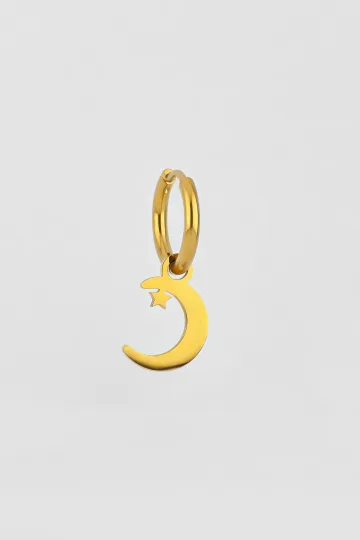
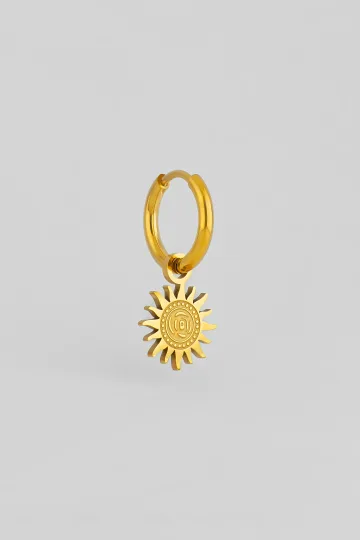
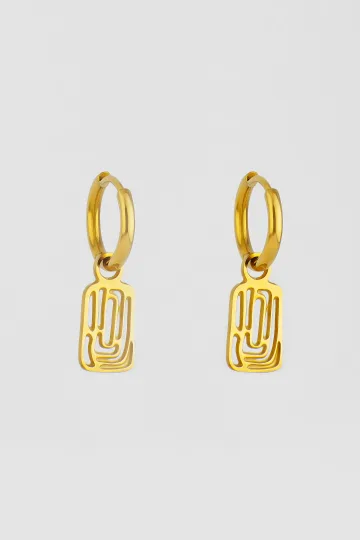




The complete video call jewellery kit
The basic set: one or two pieces
If you do not want a system, own two things: a pair of matte studs and one pendant on a short chain. Between them they cover every call type you are likely to have. The studs go with everything and never conflict with earbuds. The pendant adds a focal point for the calls where you are presenting rather than listening.
This is genuinely enough. Most people who look composed on camera are wearing two pieces and have simply chosen them well.
The extended set: three to five pieces
If you have frequent video calls and want a dedicated set, here is what to own:
- Matte studs 6-8 mm in silver or gold tone. Your daily video call default.
- One pendant on a 42-45 cm chain. A clean symbol that reads at 1080p.
- One pair of short drops for days when studs feel too plain.
- One ring with a bold but quiet design, for when you know you will gesture.
Four pieces. Rotate based on the type of call. Studs for meetings. Pendant for presentations. Drops for client calls. Ring for when you want that one-second flash of personality during a hand gesture.
All in stainless steel 316L if you want zero maintenance. All in sterling silver if you want a warmer look and do not mind occasional polishing. More about materials in our brass, steel, and silver comparison.
Rotation
The reason for a small dedicated set is that it removes a decision from every working morning, but it works better if you actually rotate rather than defaulting to the same studs for two years. A simple approach: studs for internal meetings, pendant for anything where you are presenting, drops for external client calls, ring on days with a lot of talking and gesturing.
Rotation also spreads the wear. Anything worn daily on a hand or against a collar will show it, and four pieces in circulation last considerably longer than one piece worn constantly.
Store them together in one small pouch or compartment. "Video call jewellery" becomes a category in your box, like "everyday" or "evening." Grab the pouch, pick based on the call type, put on, join the meeting. No decision fatigue. The system decides for you.
FAQ
What single piece should I wear on a video call? Earrings. They are always in frame, next to your face, and make the face more expressive.
Is a pendant visible on video calls? Depends on chain length and frame boundary. 40-45 cm: usually yes. 50+ cm: often no.
Silver or gold, which is better on camera? Depends on skin tone and lighting. Silver contrasts more on warm skin. Gold contrasts more on cool skin. Both work if they are not too shiny.
Do I need to remove jewellery for a business call? No. One or two restrained pieces are appropriate. Remove only if they jingle, glare excessively, or distract.
Best earrings for daily video calls? Matte studs 6-8 mm. Visible, no glare, no interference with earbuds or headsets.
How do I stop my earrings from causing glare? Matte or satin finish instead of polished mirror. Front-facing light source instead of side or overhead. Or simply angle your head so the earring does not catch direct light. A ring light is the permanent solution that eliminates specular highlights entirely.
Can I wear jewellery with earbuds/AirPods? Studs: yes, no interference. Drops and hoops: they can catch on the earbud stem. Over-ear headphones with any earring type: the headphone presses against the earring against your ear, which becomes uncomfortable after 30 minutes. If you wear AirPods daily, studs are your only realistic option.
Does the camera add weight to jewellery, like it adds weight to faces? Not exactly, but cameras do flatten three-dimensionality. A pendant that looks delicate and sculptural in person can appear flat on camera. Pieces with strong contrasts (light and shadow, raised and recessed elements) maintain their dimensionality better on screen than uniformly smooth pieces.
What about glasses and jewellery? Glasses frames are already "jewellery for the face." Adding earrings creates two focal points near the eyes. If your frames are bold (thick, colourful), keep earrings minimal. If your frames are thin and neutral, earrings can be more prominent. The total visual weight around your face should not exceed what feels balanced.
Should I match my jewellery to my virtual background? No. Virtual backgrounds change regularly. Your jewellery should work with any background. If you have a consistent branded background, you can coordinate once, but do not adjust jewellery for every new virtual scene.
Is there a difference between front-facing and rear-facing cameras for jewellery? Yes. Laptop webcams (front-facing, small sensor, fixed focus) render jewellery poorly. Phone cameras (larger sensor, better lens) render jewellery much better. If you want your jewellery to look its best on calls, using your phone as a webcam (via Continuity Camera on Mac, or third-party apps on Windows) is a significant upgrade.
My pendant keeps flipping over during calls. How do I fix it? A pendant flips when the chain pulls it from above and the weight distribution favours one side. Solutions: a heavier pendant that stays put, a bail (the loop connecting pendant to chain) that allows rotation so the front always faces forward, or taping the pendant to your clothing with a tiny piece of double-sided fashion tape. The tape trick is used by TV presenters worldwide.
What jewellery do TV news anchors wear? Studs or small drops for earrings (never chandeliers). A pendant or collar necklace in a non-reflective finish. No bracelets (they hit the desk during hand gestures). Everything matte or satin. Everything consistent across broadcasts. If it works for someone on camera five hours a day, it will work for your Zoom call.
Silver and gold jewellery, wedding bands, symbolic pendants, paired sets.
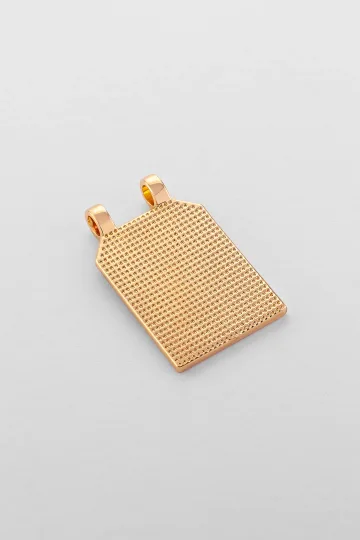
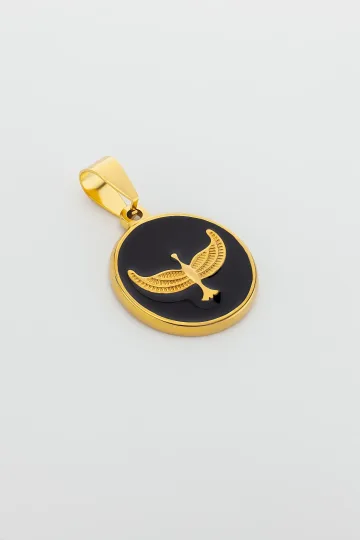
Wear the symbol, don't just read about it. These are in stock:




The bottom line
Video calls are a reality, and jewellery needs to adapt to it. The rules are simple: test on camera, choose readable shapes, avoid blinding glare and jingling metal. One or two well-chosen pieces on screen achieve more than ten in real life.
The camera is not your enemy. It is an editor. It removes what does not matter and amplifies what does. A single well-placed earring on a 1080p call says more about your style than a full jewellery box in person.
Work with the editor, not against it.
One last thought: the people on the other end of your video call see you for exactly the duration of the meeting. They do not see you getting dressed, choosing jewellery, adjusting the angle, fixing the lighting. All they see is the result. And if the result is a face with one well-chosen pair of studs and a pendant that catches the light at just the right moment, they will remember you. Not as "the person with the jewellery." As the person who looked put together, intentional, and quietly confident.
That is what jewellery does in real life. And it does the same thing on camera. Just with fewer pixels. And sometimes, fewer pixels are all you need.
About Zevira
Zevira makes jewellery in the artisan tradition of Albacete, Spain. We make pieces that work in real life and hold up on camera too: clean shapes, readable silhouettes, matte finishes that do not throw blinding flashes across the screen.
What you can find with us for video calls:
- Stud earrings and small drops that read clearly on camera
- Pendants in simple geometry, around 15-25 mm
- Fine chains without charms for a layered look
- Matte rings without showy glare
- Minimalist sets of three or four pieces in one consistent style
Every piece can be personalised with engraving, with the option of personal engraving. We work in 925 silver and 14-18K gold.